
Reference

cw99 App — Lobby on Your Phone

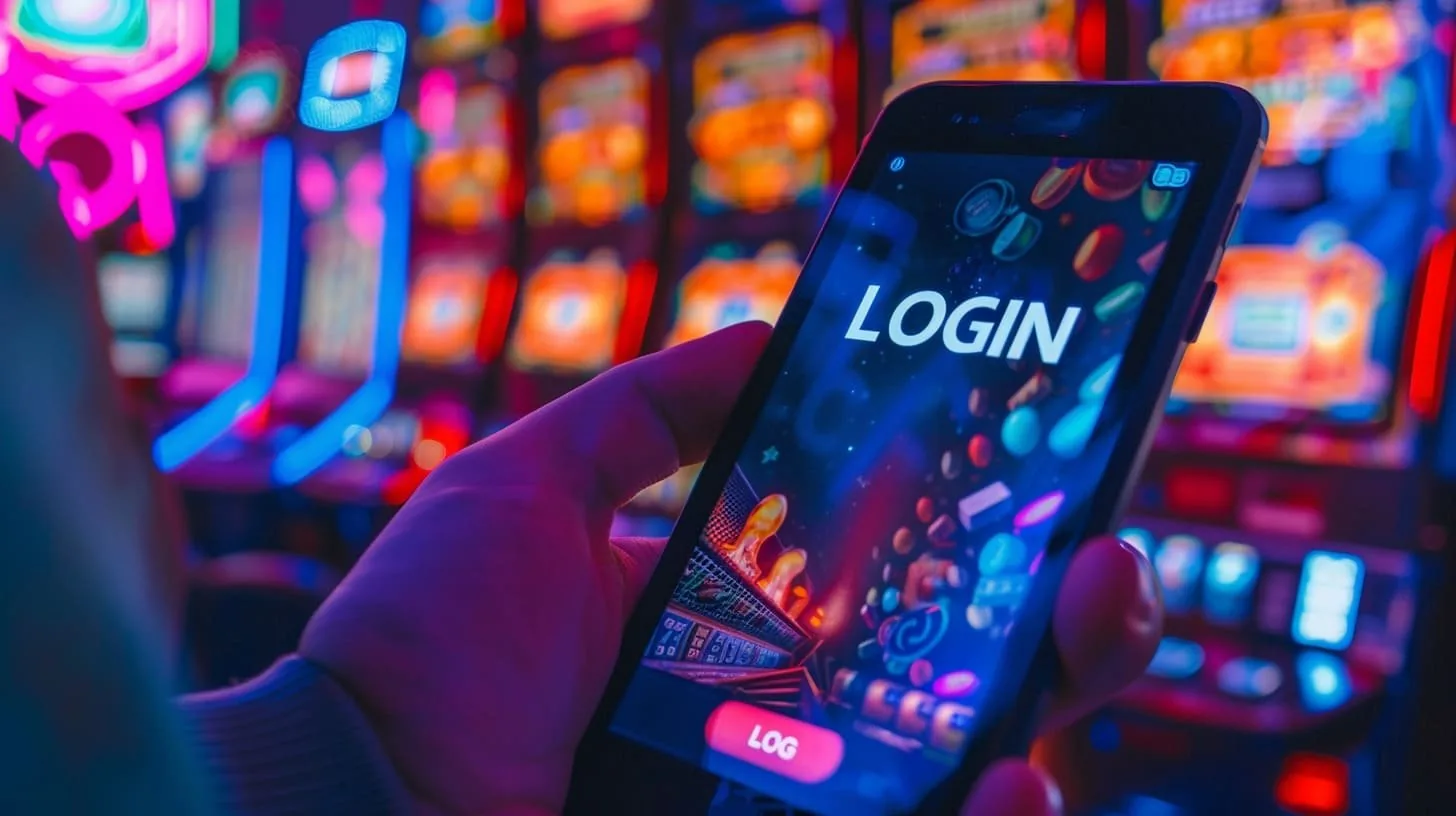
The cw99 lobby runs in your mobile browser without needing a separate download. Open your account, head to cw99 on any current Android or iOS device, and the full lobby — slots, live tables, crash games, sportsbook — loads and fits your screen.

Mobile browser accessAndroid & iOS compatibleAvailability depends on local lawAccount login on mobileFull lobby on screen
cw99 cw99 App — Lobby on Your Phone
APP CAPABILITY SNAPSHOT

Key Features Inside the cw99 Mobile Experience

Four things make the mobile experience worth knowing about before you open your account. Each one changes how you actually use the lobby day to day — from login speed to how you keep track of what's running.

Fingerprint Login Skip the password every time. Biometric login works on supported Android and iOS devices so you reach your account wallet in one touch.
Push Notifications Opt in to alerts for live table opens, crash game rounds and sportsbook market changes. You decide which events send a notification to your phone.
Dark Mode Display The mobile interface switches to dark mode based on your device setting, reducing eye strain during night sessions on live casino or slot rooms.
Lobby Preview Offline The lobby thumbnail grid caches your last session layout, so you can browse game tiles and plan your next session even on a weak connection.

Which Devices and Browsers Work with cw99

Before you open your account on mobile, run through this checklist. It covers what the mobile lobby actually needs from your device — browser, screen layout, account state and how to confirm what is currently supported.

Browser VersionUse the current release of Chrome for Android or Safari for iOS. Both pass the live-stream and crash-game rendering that Evolution and Pragmatic Play titles require.
Screen LayoutThe lobby is responsive. Portrait mode works for slots and the sportsbook betslip; landscape mode gives a wider view for live baccarat and roulette tables.
Account RequirementsYou need a verified cw99 account to access real-money game rooms on mobile. Account creation and wallet setup work directly in the mobile browser.
Supported Device CheckVisit cw99 on your device to confirm current compatibility. The site reflects real-time availability — more accurate than any third-party source.
Region EligibilityMobile access and any native app build are subject to local law. Access is available only where local law and eligible regions permit.
cw99 Mobile Access in 3 Steps

Mobile Access in 3 Steps

No app store required to start. Open cw99 in Chrome or Safari on your phone — both browsers handle the lobby well. Make sure you are running a current browser version; older versions may not render live table streams from Evolution or PG Soft correctly. Sign in with your account credentials or use fingerprint login if you have already enabled it. Once

inside, your account wallet balance and deposit options are on the same screen as the game lobby, so you move from funding to playing without extra navigation. Check the site for any app build announcements specific to your device and eligible region.

  • Open the current site — Go to cw99 in your mobile browser. Chrome on Android and Safari on iOS both work without extra configuration.
  • Check browser compatibility — Update your browser to its current release. Older builds can affect live stream quality for tables from Evolution and live crash rounds.
  • Sign in securely — Enter your account details or activate fingerprint login. Your session and wallet balance carry over from desktop without needing to re-verify.
  • Verify app availability — Check the cw99 site directly to see whether a native app build is offered for your device. Availability depends on local law and eligible regions.

cw99 Full Lobby Features in Your Hand

Full Lobby Features in Your Hand

Through the cw99 mobile experience you get the same lobby depth as desktop — Evolution live baccarat tables, Pragmatic Play slots like Gates of Olympus, crash titles such as Crash Burst and Crash Wildspin, and the sportsbook where PSL and international cricket markets sit. Quick-deposit shortcuts let you fund your account without navigating away from the game page. Push notifications alert you

when a market or table you follow updates. Fingerprint login cuts the sign-in step down to a single touch, so you're in the lobby fast. Everything syncs to your single account wallet.

Common Questions About the cw99 App

These are the questions we hear most from Pakistan players who want to use the cw99 mobile experience. Each answer is specific to how the app and mobile browser access actually work.

Check cw99 directly for the current status of a native app build. Availability on Google Play or the App Store depends on local law and eligible regions.

Yes. Open cw99 in Chrome or Safari on your phone and the full lobby loads in your browser — slots, live tables and the sportsbook all accessible without an install.

Fingerprint login is supported on compatible Android and iOS devices. Enable it once through your account security settings and it applies to every future session.

Yes. After signing in on mobile, go to notification settings in your account and opt in to the categories you want — live tables, crash rounds or sportsbook market updates.

Your wallet balance, transaction history and deposit options are identical on mobile and desktop. Everything syncs to one account so switching devices does not affect your balance.

Slots from Pragmatic Play and PG Soft, crash titles like Crash Burst and Crash Wildspin, and Evolution live tables all perform well in a current mobile browser on a stable connection.
Reference

cw99 App

Service availability depends on eligible regions and local law. Users should check local rules before opening an account.

Access may be available only where local law permits.