Log In to cw99 and Reach the Lobby
Your cw99 account is the starting point for everything — deposits via JazzCash, Easypaisa or Raast, the live casino tables, and sports markets including PSL and international cricket. Access is available where local law permits.
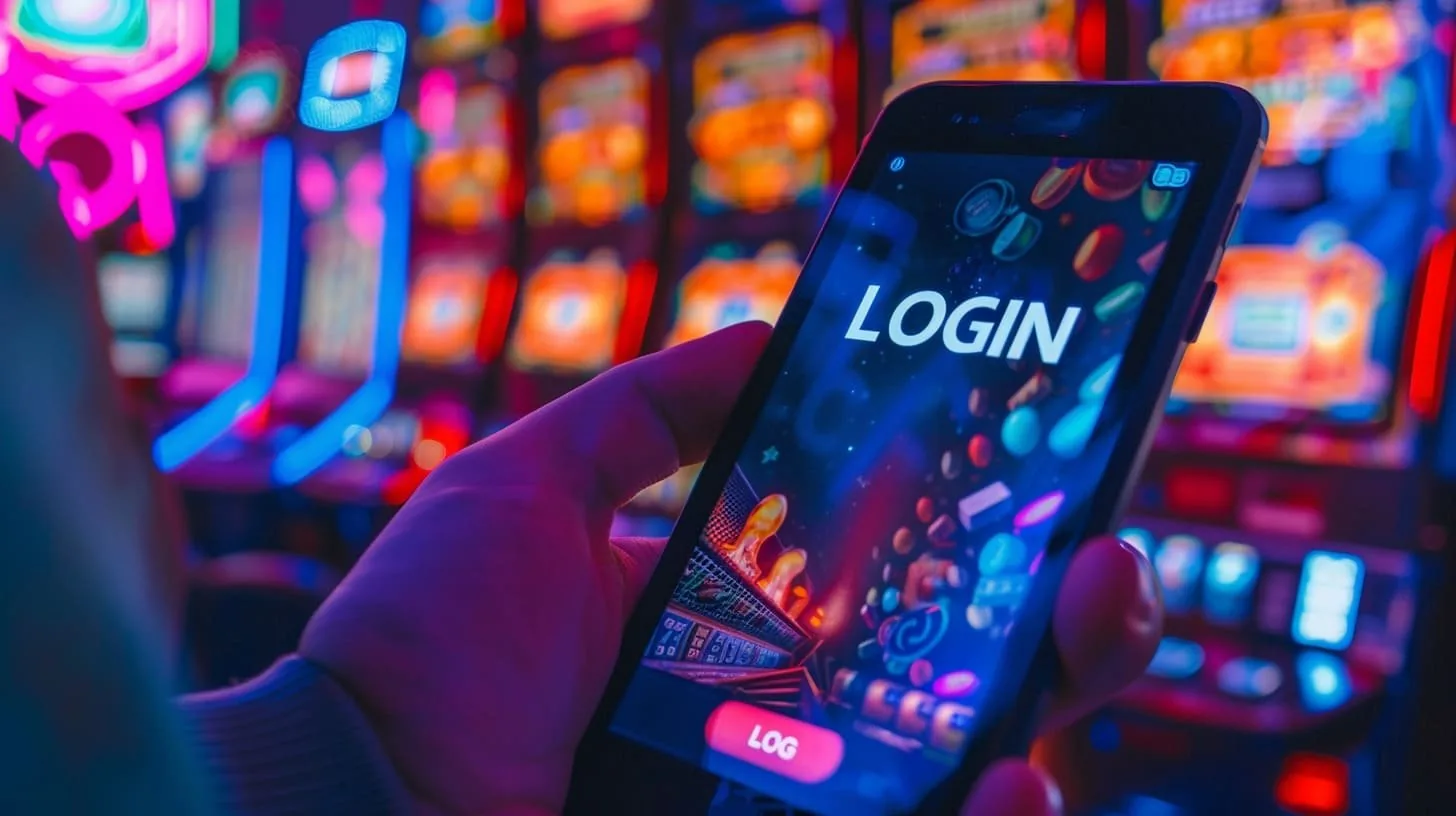
What to Expect When You Log In
Entering your registered mobile number and password takes a few seconds. After that, cw99 sends a one-time code to your number — enter it to confirm it is you. That OTP step keeps your account wallet protected even if someone else knows your password. Once you are in, the lobby loads your account balance, your
recent deposit history, and the full game catalogue. If you have funds sitting in your JazzCash or Easypaisa wallet that you want to move across, the cashier is one tap from the lobby header. Account recovery uses the same mobile number you registered with, so keep that number active. Our support team can assist with
login issues during published hours — contact details are in the Help section of your account.
-
OTP security Every login triggers a one-time code to your registered mobile number, so only you can confirm access even if your password is compromised.
-
Wallet-linked cashier Your account balance, JazzCash deposit history and Raast transfer records are visible the moment you land on the lobby page after login.
-
Account recovery path Locked out? The recovery flow uses your registered number. Enter it on the login screen, receive a reset code, and set a new password in under a minute.
-
Support on login issues If OTP delivery stalls or you hit an error, the Help section shows the fastest way to reach the cw99 support team for account-specific help.
Account
Entering your registered mobile number and password takes a few seconds. After that, cw99 sends a one-time code to your number — enter it to confirm it is you. That OTP step keeps your account wallet protected even if someone else knows your password. Once you are in, the lobby loads your account balance, your recent deposit history, and the full game catalogue. If you have funds sitting in your JazzCash or Easypaisa wallet that you want to move across, the cashier is one tap from the lobby header. Account recovery uses the same mobile number you registered with, so keep that number active.
Open Your AccountYour details are encrypted for secure account access.
How We Protect Your Login and Data
Your cw99 account sits behind a few standard security layers that matter in practice. SSL encryption covers every login request, so the credentials you enter are not readable in transit. OTP verification means a stolen password alone is not enough to access your account. We also run identity checks on withdrawal requests — your account name must match the wallet you withdraw to, which protects your funds from being redirected. Account data is not shared with third parties for marketing purposes.
SSL encryption
Login requests and account data travel over SSL. Your password and OTP never move as plain text between your device and our servers.
OTP verification
A one-time code sent to your registered number is required at every login. This second layer means your account stays protected even if your password is exposed.
Withdrawal identity check
When you request a withdrawal, the destination wallet or account is checked against your registered details. Mismatched names are held for manual review before any funds move.
Data protection
Your account information — mobile number, deposit history, session data — is stored securely and not passed to outside marketing or analytics services.
Get Help With Your cw99 Login
If your login is not going through — wrong password, OTP not arriving, or an account flag — here is how to reach us. We have a few contact paths depending on what works for you, and the fastest route for urgent login blocks is live chat.
Live Chat
Open the chat icon on the login page itself. No need to be logged in. Describe your issue and the team will verify your account using your registered mobile number.
Email Support
For account recovery or identity verification steps that take longer, email support is available. Include your registered mobile number so the team can locate your account quickly.
Help Section
The Help section inside your account covers the most common login questions — OTP delays, password resets, and how to update your registered number if it has changed.
Fund Your Account After Login
Once you are logged in, the deposit screen lists JazzCash, Easypaisa and Raast as the primary funding options for Pakistan. Open your JazzCash or Easypaisa app, send to the account number shown on the deposit screen, then confirm with your PIN — the amount reflects in your cw99 wallet once the transfer clears. Raast works through your bank's app using the registered IBAN. Bank Transfer and Debit Card are also available for those who prefer them. Withdrawal requests go through the same verified method you used to deposit, which keeps the verification step short.
JazzCash
Send directly from the JazzCash app to the number shown at checkout. Confirm with your mobile PIN and the deposit posts to your account wallet.
Easypaisa
Use your Easypaisa app or an Easypaisa outlet. Enter the account details on the deposit screen, confirm the amount, and the wallet updates once the transaction clears.
Raast
Raast transfers move from your bank account via the registered IBAN. Initiate through your bank app, reference your cw99 account ID, and the balance updates after settlement.
Bank Transfer
Standard bank transfers are accepted. Use the account details provided at checkout and include your cw99 account reference so the deposit is matched correctly.
Debit Card
Enter your debit card details on the secure payment page. The charge appears on your bank statement as a standard card transaction against your cw99 account.
Common Questions About cw99 Login
These are the questions we hear most often around account access, OTP delivery and login steps on cw99.
cw99 Login
Service availability depends on eligible regions and local law. Users should check local rules before opening an account.
Access may be available only where local law permits.